
Difference Between PDF and Word: Which Format Is Better?
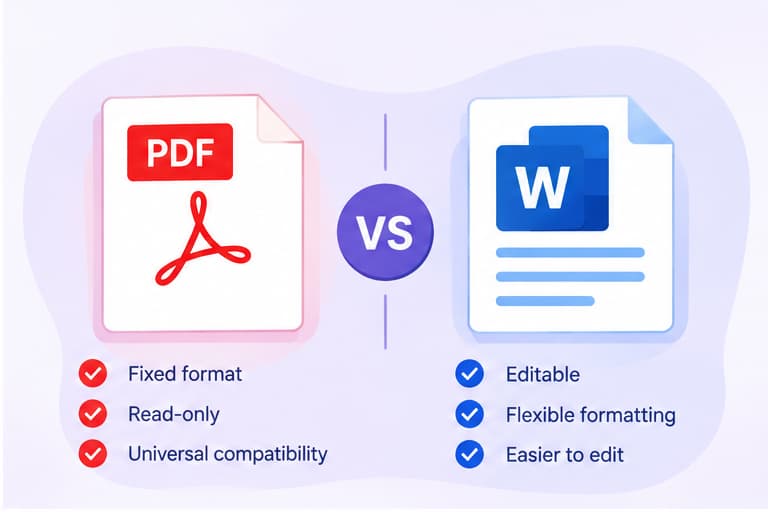
The main difference between PDF and Word is how they handle editing and document formatting. A Word document is designed for creating and editing content, while a PDF is mainly used to share documents with a consistent appearance across different devices.
Both formats are useful, but choosing the right one depends on whether you want to make changes or share a finished document.
What Is the Difference Between PDF and Word?
PDF stands for Portable Document Format, while Word documents commonly use the .docx file extension.
A Word document allows you to edit text, insert images, change fonts, and adjust the layout. A PDF is designed to preserve a document's appearance, making it useful for printing and sharing.
Here is a quick comparison:
|
Feature |
|
Word |
|
File extension |
|
.docx |
|
Main purpose |
Sharing finished documents |
Creating and editing documents |
|
Editing |
Usually requires a PDF editor or conversion |
Easy to edit in a word processor |
|
Formatting |
Designed to preserve page layout |
May change between applications |
|
Collaboration |
Supports comments and annotations in compatible tools |
Supports editing, comments, and tracked changes |
|
Best for |
Forms, resumes, invoices, and final reports |
Drafts, assignments, and editable reports |
PDF vs Word: Key Differences Explained
1. Editing Documents
Word is generally easier to use when you need to make frequent changes.
You can add paragraphs, modify tables, and update images directly in the document.
PDF files can also be edited with suitable software, but changing their original text and layout is often less straightforward.
2. Document Formatting
PDF is designed to maintain a consistent page layout when opened on different devices.
Word files are more flexible, but fonts, page breaks, and spacing may appear differently depending on the application and available fonts.
This makes PDF a practical choice when the final appearance matters.
3. Sharing and Collaboration
Word is useful for documents that several people need to edit or review.
PDF is often preferred when you want recipients to read, print, or sign a completed document without unintentionally changing its layout.
However, a PDF is not automatically protected from editing. Additional security settings may be needed for restricted access.
When Should You Use PDF Instead of Word?
Choose PDF when:
-
Sending a finalized resume or job application
-
Sharing an invoice or completed report
-
Preparing a document for printing
-
Preserving a specific page layout
Choose Word when:
-
Writing or revising a document
-
Collaborating with other people
-
Making frequent text changes
-
Updating tables, images, or page formatting
A simple approach is to create and edit your document in Word, then save it as a PDF when it's ready to share.
How to Convert PDF and Word Files Online
If you have a document in the wrong format, you can convert it instead of creating it again.
Visit Best Free PDF Converter to access free document conversion tools.
To convert a file:
-
Open the website.
-
Choose PDF to Word or Word to PDF.
-
Select your document.
-
Start the conversion.
-
Download the converted file.
If you convert a PDF to Word, review the result before editing. Complex layouts, tables, and scanned pages may not convert perfectly.
Frequently Asked Questions
Is PDF better than Word?
Neither format is better for every task. PDF is generally more suitable for sharing finalized documents, while Word is better for creating and editing content.
Can I edit a PDF like a Word document?
You can edit PDFs using compatible software or convert them into Word format. However, conversion may affect the original layout.
Is a PDF the same as a Word document?
No. They are different file formats with different purposes. Word focuses on editable content, while PDF focuses on consistent document presentation.
Can I convert Word to PDF for free?
Yes. You can use Microsoft Word's PDF export feature or a free online Word to PDF converter.
Conclusion
The difference between PDF and Word comes down to how you plan to use the document. Word is ideal for writing and editing, while PDF is better suited for sharing documents with a consistent layout.
If you need to switch between formats, use Best Free PDF Converter to convert your documents online.